














Tools & Practices
Achieving Significant Results with Strategic Phone Follow-ups on LinkedIn
Boost LinkedIn campaign conversions to 40% or more: in one case study, warm call follow-ups raised appointment bookings from 15% to 40%.
By Jeppe Liisberg
Put your whole team on the same list. Myphoner serves each agent the next lead, keeps follow-ups with the agent who booked them and never serves one lead to two agents at once.
Many lead distribution tools assign each new lead to an agent as it arrives. Myphoner works the other way around: agents take the next lead from a shared queue when they're ready to call. Nobody waits for leads, and new leads don't sit with someone who's out today.
“Easy to use and simple but it still manages to offer an advanced toolkit for lead management. No need for heavy and overpriced lead management software anymore :)”
Set it up once. Give agents access to the lists they should work, and split a list into segments when different agents should call different leads. After that, your team just calls.

Featured client
Definitely recommend Myphoner to other startups, a great tool, easy to use, affordable, makes all the pain go away when it comes to cold calling and as a start-up, you’ll get the most bang for your buck.
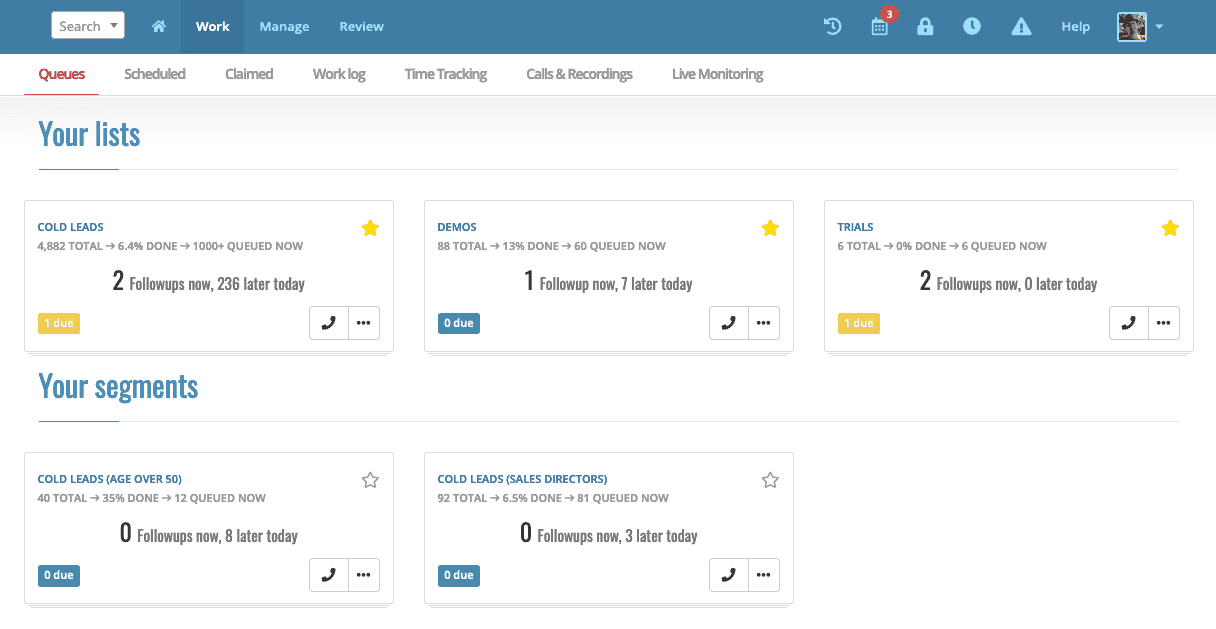
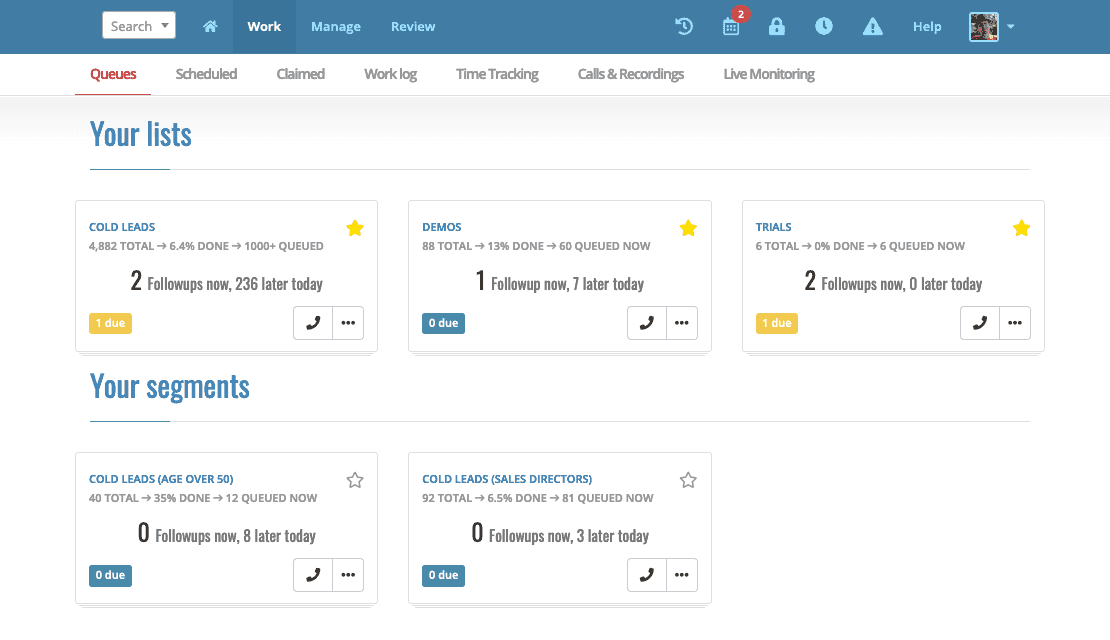
Each list has one queue that the whole team shares. When an agent finishes a call, Myphoner serves them the next best lead from that list.
While an agent has a lead open, it's locked. Nobody else is served it, so two agents never call the same lead at the same time.
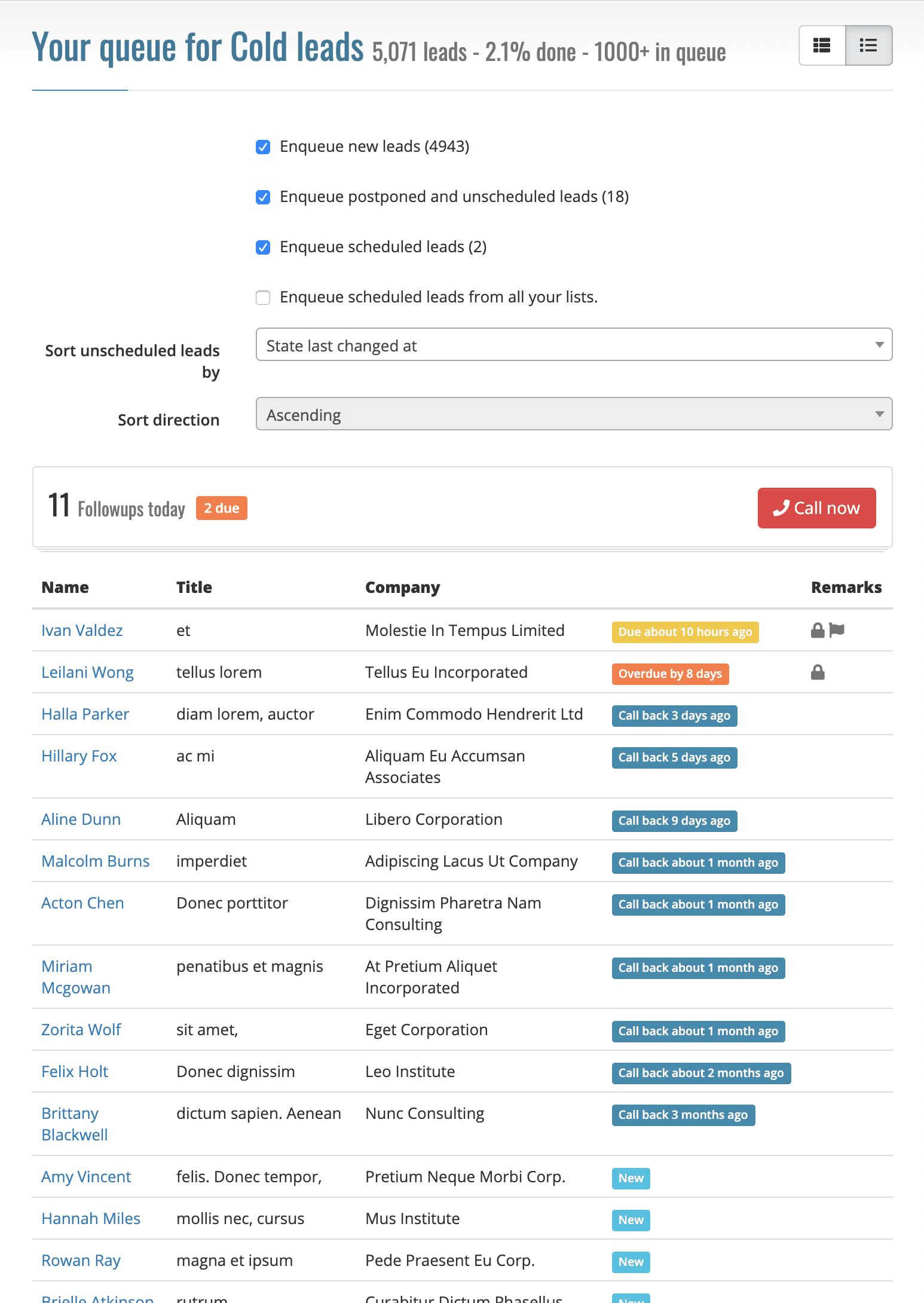
When an agent marks a lead as won or books a callback, Myphoner claims the lead for them by default. You can also have postponed leads claimed; these are account settings.
Claimed leads drop out of everyone else's queue, and callbacks come back to the agent who made them. Agents can also claim a lead themselves, or release a claim to send the lead back to the shared queue.
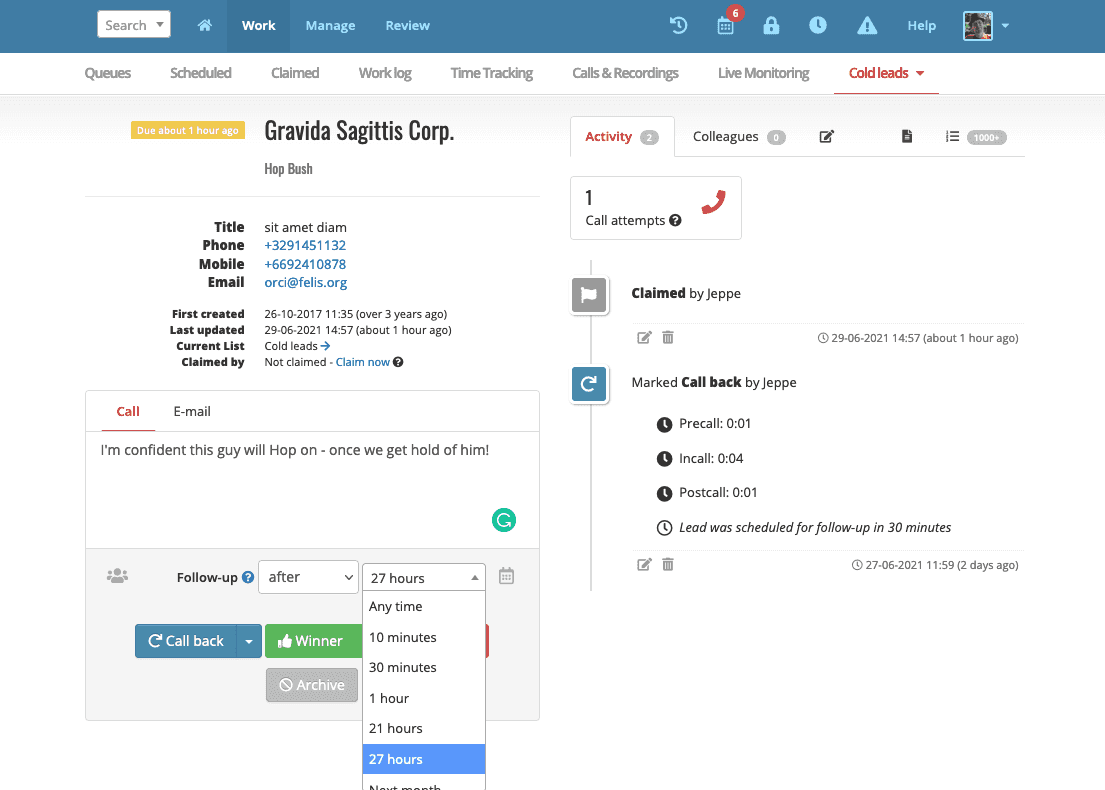
Give each agent access to the lists they should work. To split a list, create segments from any lead field, such as country, source or job title, and choose the agents for each segment.
Segments update as lead data changes. A new lead that matches a segment appears in those agents' queues right away, and a lead that no longer matches leaves them.
Put several agents on the same list or segment, and the queue shares its leads between them as they call.
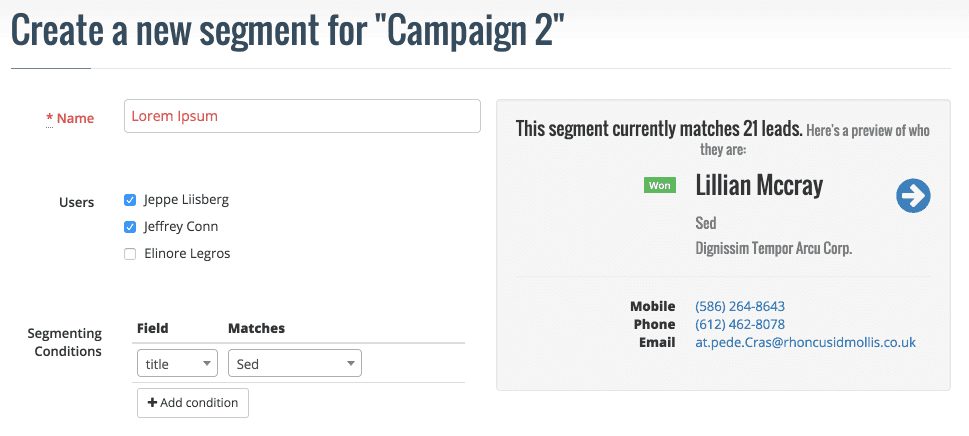
Delegate a lead to another agent, or move many at once with a pipeline automation when someone leaves or goes on vacation. You can also release claims, one at a time or in bulk, to send leads back to the shared queue.
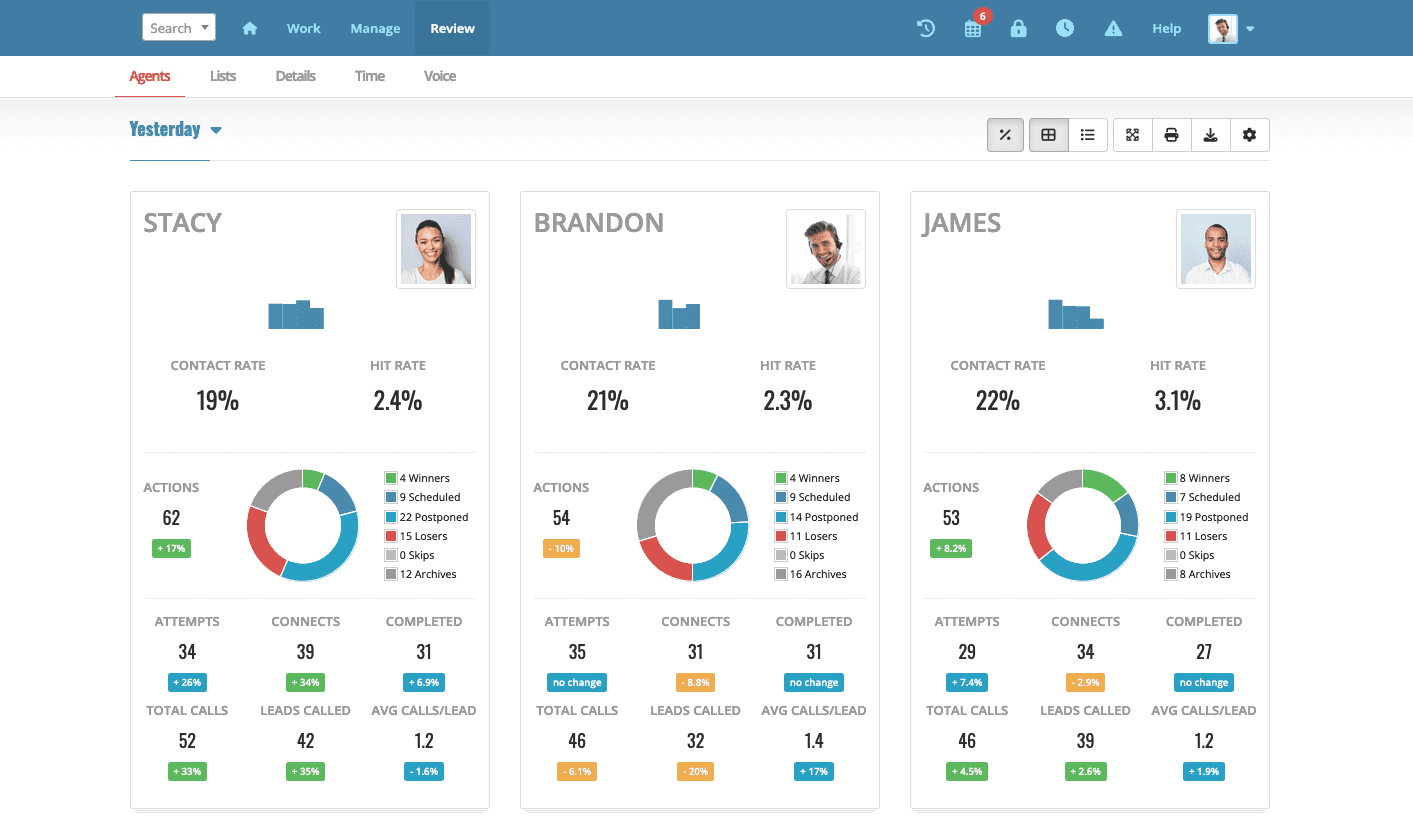
Agent reports show how each agent is doing, so you can see when it's time to move leads around.
Features and usage at a glance
Dial through a list of leads with efficiency and ease. Use the Myphoner power dialer to call the next lead in your queue automatically with no delay.
Create email templates to let your agents quickly send consistent, typo-free follow-up emails. Replies are auto-queued for follow-up.
Boost engagement with SMS—a channel that offers higher open rates and CTR—alongside other communication methods, all within Myphoner.
Find and manage duplicate leads during import or as you work. Review a complete report and resolve duplicates when it suits you.
Engaged leads move up the queue and leads you've called many times move down, so agents call the strongest opportunities first.
Streamline your workflow and sync your data by seamlessly integrating with virtually any other system through Zapier, Make, Integrately, or Zoho Flow.
“Myphoner allows our business development team to reach out to many prospects in a short period of time. Helps the team be proactive in following up with prospects. We have looked at many cold calling systems and this one wins in almost every category. Our team loves it.”
“Myphoner helped us increase our call conversion rates by 25% as we scaled our remote teams throughout MENA. We can now measure the performance of our outbound campaigns with much more ease and efficiency.”
“I've been using Myphoner for several years now, been in sales about 10 years, and it is simply the best cold outreach tool I have ever used. I've tried about 30 other sales tools and this is one of the few that I keep coming back to.”
Partly. Segments work like routing rules: leads go to the agents whose segments they match. But Myphoner doesn't push each new lead to one person when it arrives. Agents take leads from a shared queue, so there's no round-robin and no alert when a lead comes in. The queue orders leads by how engaged they are, but it doesn't hand a lead to a specific person. If you need inbound leads routed to an agent within seconds, a dedicated lead routing tool is the better fit.
It doesn't hand out leads in advance. When an agent is ready for the next call, the queue serves them the next best lead they have access to, skipping leads that someone else has open or has claimed. Agents who make more calls get more leads.
Their unclaimed leads stay in the shared queue, so the rest of the team keeps calling them. Leads they've claimed wait for them until the claim expires, by default 60 days after the lead is due. A manager can release those claims, delegate the leads to another agent, or move many at once with a pipeline automation.
Yes. Through the Myphoner API, an integration can set which agent holds a lead, for example when a lead arrives from your website or CRM. The API is included on the Plus and Premium plans. See the API documentation for details.
All of them. The shared queue, claims, list access, segments and delegating leads are included on every plan. See the pricing page for current details.
Boost LinkedIn campaign conversions to 40% or more: in one case study, warm call follow-ups raised appointment bookings from 15% to 40%.
By Jeppe Liisberg
Everyone tried this: even your best sales lead generation efforts are falling flat, and you are about to give up. But failure is success in progress.
By Jeppe Liisberg
Understand when and how to utilize scripts within your sales strategy to create a better experience for potential customers and your agents at the same time.
By Daniel Vincent