











Tools & Practices
The benefits of Myphoner Voice
Why Myphoner Voice should be your default VoiP solution, learn about the benefits and how we help your agents be more effective at cold calling.
By Carlos Chersia
Myphoner is a simple and budget-friendly cold calling solution that lets you close more deals for less.
Myphoner is a unique sales tool for cold calling, combining a lightweight sales CRM with a superior lead queue and power dialer into an easy but efficient auto-dialing app for sales teams.
“The speed at which my cold callers are able to call is my primary concern. Optimizing their time was a HUGE selling point when we considered Myphoner.”
Our solution consists of an online phone dialer with automatic dialing and easy scheduling of follow-ups, which help sales teams increase performance and reduce noise when conducting B2B sales calls.
With features like built-in call recording, accessible performance insights and activity reports as well as attractive rates around the globe, Myphoner is a natural choice for in-house product sales teams as well as agencies.

Featured client
Myphoner provides complete transparency on how each agent is performing and how effective our campaigns are.
Advanced calling, smart spending
Get competitive pricing with Myphoner's power dialer and Myphoner Voice. Aimed at sales teams, our solution offers essential features, including call recordings, without added costs. Benefit from affordable rates and technology that enhances call effectiveness. Choose Myphoner for cost-effective sales efficiency, combining quality with value.
Select a destination to view the rates
“Myphoner really adds value when it comes to making lots of calls in a short time. Power dialing is made much easier, and it even works better than the tools included in my CRM.”

A predictive dialer tries to predict the ratio of people that will pick up the phone and initiates enough calls to connect all available agents with an active call based on the expected rate. This approach leaves a risk of losing leads that pick up when there's no available agent.
A power dialer automates dialing without predicting agent availability. Agents work efficiently, but may occasionally wait when a call is not answered.
Thus predictive dialers are more suited for larger teams, like call centers with 50+ agents, that prioritize keeping agents busy rather than being able to talk to every lead, e.g. in a B2C campaign.
Power dialers are better suited for small to medium-sized teams and especially B2B sales where each prospect has a higher potential.
Advantages over predictive dialers
A power dialer is efficient but not aggressive like predictive dialers. With a power dialer, you can work efficiently with a smaller team, and your connect rates will be better, which is essential, especially in B2B campaigns.
Advantages over manually dialing
A power dialer dramatically improves the experience of sales agents as well as their efficiency, removing the need to dial every sales lead as well as deciding who to call next.
How does the Myphoner power dialer work?
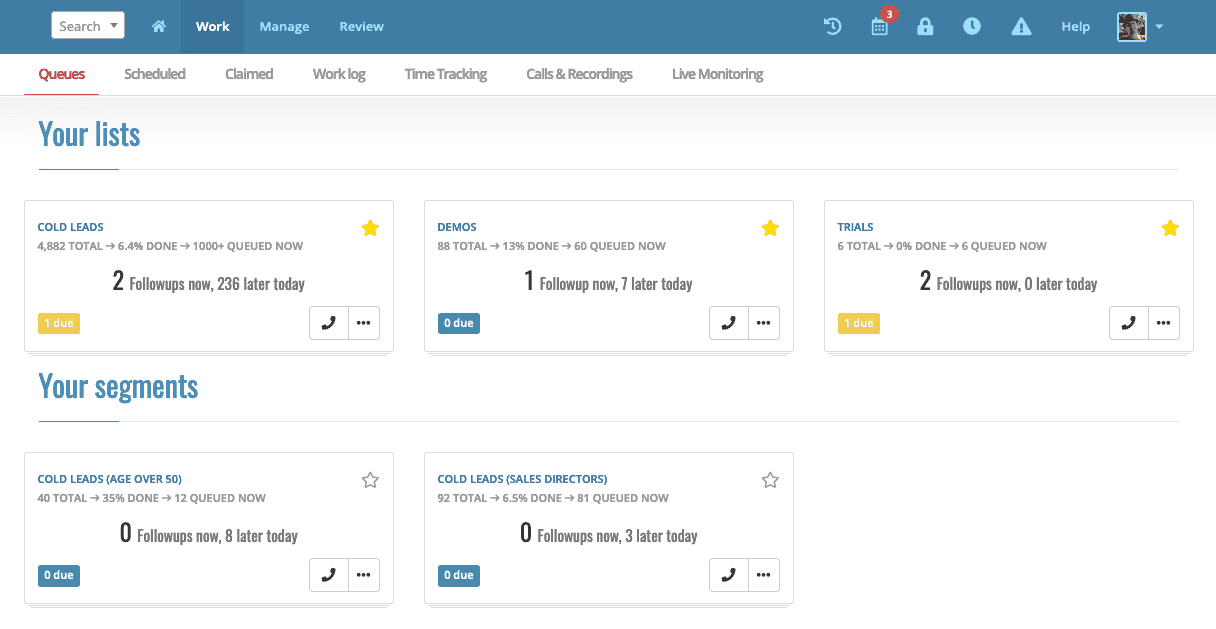
Our unique workflow is tailored to the top-of-the-funnel where multiple touchpoints are usually required before leads turn to prospects and customers.
The power dialer within Myphoner consists of a complete toolset which includes:
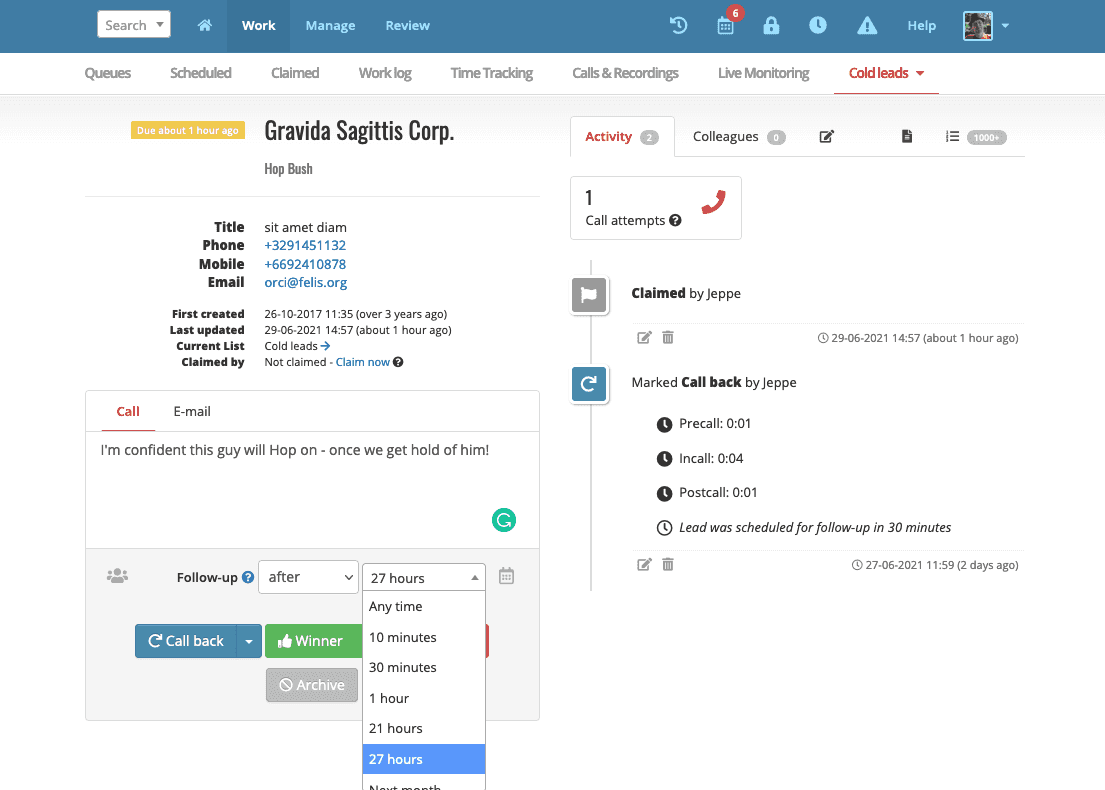
Our lead queue and unique workflow let agents schedule follow-ups flexibly and with ease. It can take as little as a single click to schedule a follow-up call and move on to the next lead.
Prospects are automatically prioritized in the queue when scheduled, and we also send out notifications when a follow-up is due.
The Myphoner power dialer helps agents speed up their dial rate significantly by eliminating repeated tasks and automating where possible.
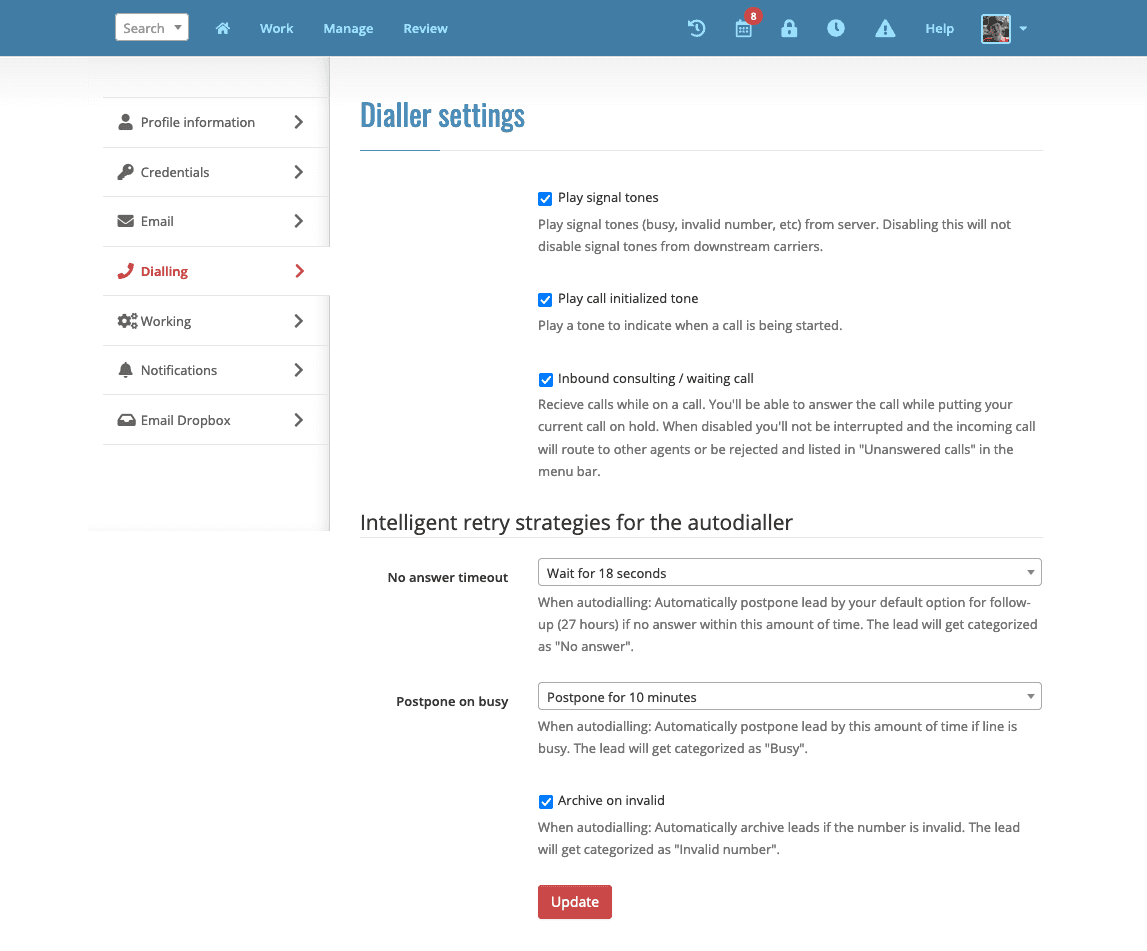
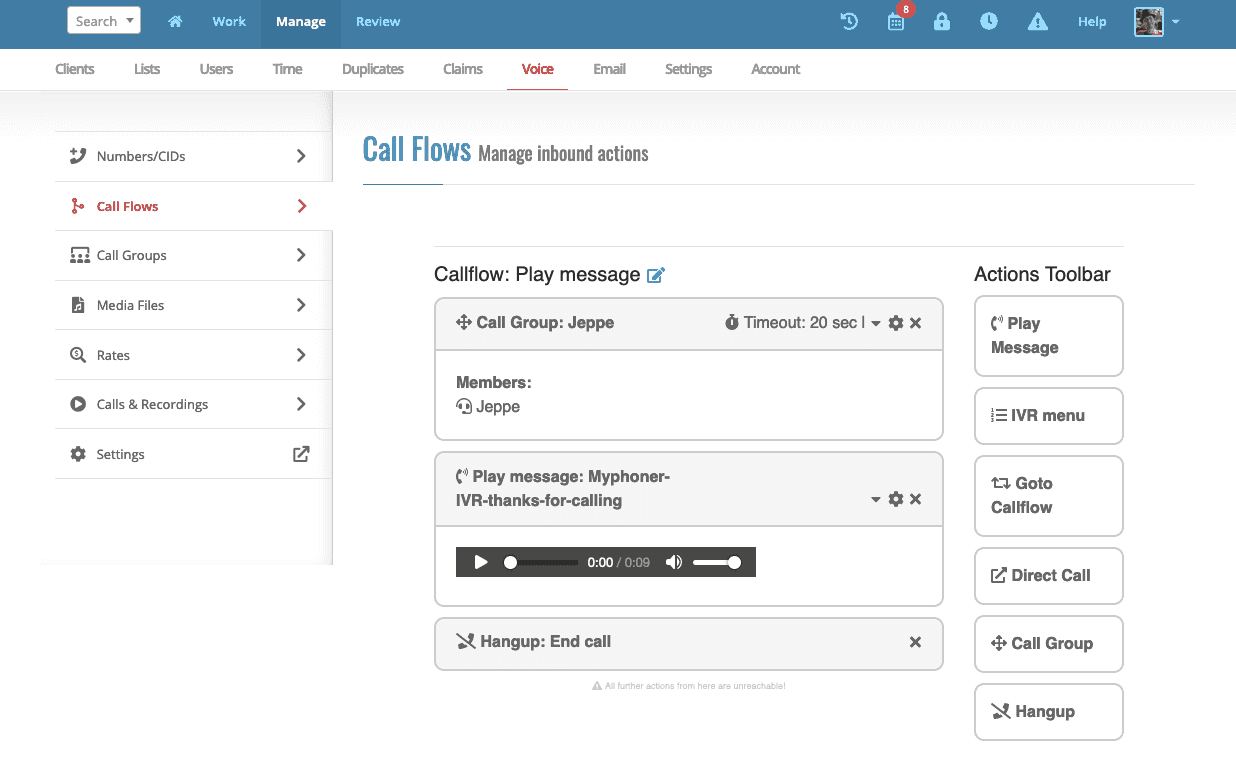
When a lead calls back, play a message, guide them through an IVR menu or connect them directly with an agent.
See agent activity as it happens. Live monitoring shows each agent’s current status and highlights changes in calls and lead handling.
Listen in on any calls with a single click to review and collect feedback for your agents.
When listening to a call, you can enable whisper, which lets you talk to the agent while on call, without the lead being able to hear you.
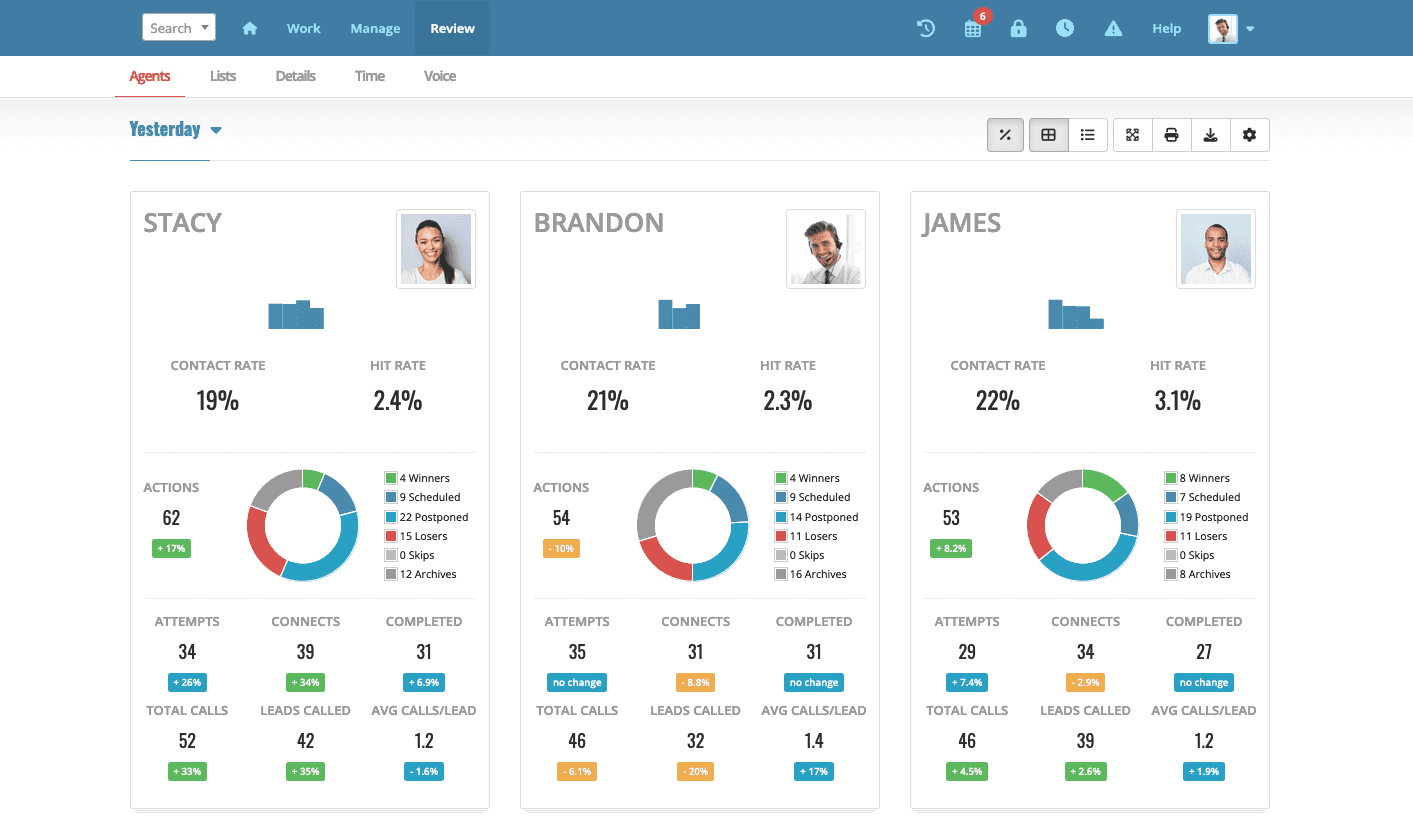
Myphoner provides insights into agent performance, campaign activity and any details you might want with four types of reports that enable you to analyze the performance of your team and identify bottlenecks in an instant.
Adding or removing agents is easy, and Myphoner keeps track of claimed leads and adjusts each agent's queue automatically with our dynamic lead distribution.
Adding and updating lead data can be done on-the-fly or in bulk, all while your agents are working.
Invite your clients or managers to follow along as you progress, with secure access to scoped sales performance reports.
Create and assign segments to let agents work and compete in focused campaigns with comparable leads.
Adding and removing seats is always pro-rata and we credit canceled seats for the remainder of the current subscription period. We call it "Fair Usage Policy".
We have customers in many sectors
Our customers span a range of industries, all drawing benefits from using our unique workflow and power dialer.
Some of those industries are mentioned in this list.
A power dialer is an outbound telephone system that automatically initiates a call to the next sales lead when the sales agent is ready.
Power dialer software lets agents focus on the sales conversation by removing manual work such as dialing or deciding which lead to call next.
Combined with a lead queue, a power dialer can drastically increase the productivity of your sales team. Myphoner provides this system. We give you a state-of-the-art lead queue with a power dialer on top.
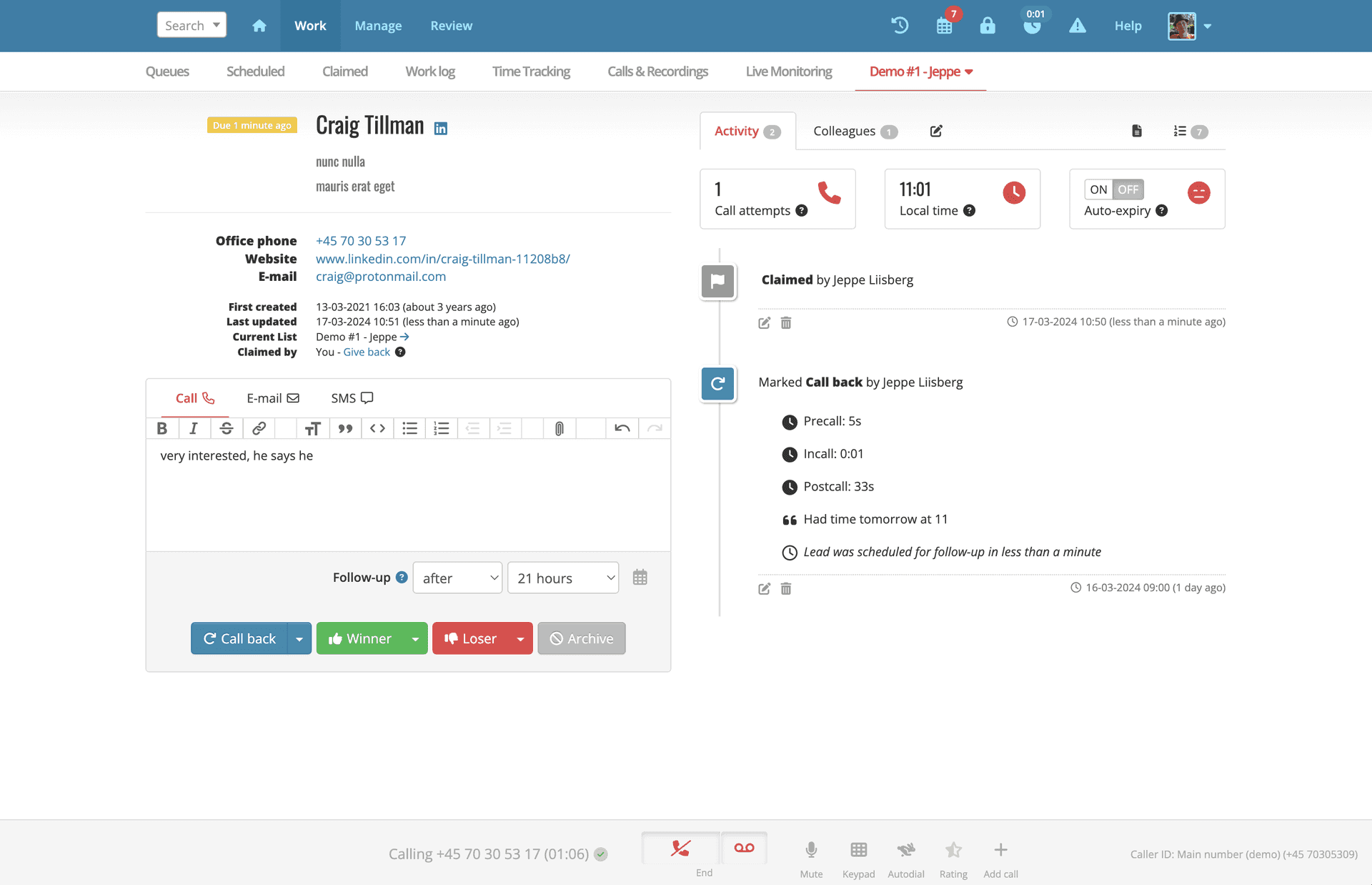
The power dialer works by automatically starting to dial when the agent views the next lead.
A power dialer reduces processing time because the call is already active without the agent having to type or even click anything.
After the agent records the call outcome, the current call ends and the dialer can start the next one automatically.
You can call destinations worldwide. Some high-cost, satellite and restricted number ranges are blocked.
We have servers in North America, Europe, MENA, South Africa and Australia. Agents outside these regions may experience delays. Talk to us if you are having trouble.
The Myphoner power dialer is an online phone dialer that runs in the browser. It is well-suited for working from home as well as from an office.
To use the power dialer, all you need is a computer with a browser (Chrome, Safari or Firefox recommended), an Internet connection, and a microphone and speakers or a headset.
Our dialer is well suited to freelancers and small to mid-sized teams.
To use a power dialer efficiently, you must fulfill the requirements and understand the intended usage and workflow of the CRM system hosting the phone software.
When it comes to the Myphoner power dialer, all you need to get set up is a computer with an Internet browser, an Internet connection and a headset (or similar sound equipment).
We have several help articles readily available to get you started with Myphoner Voice, and should you need us, our world-class support team is ready to help out around the clock.
Why Myphoner Voice should be your default VoiP solution, learn about the benefits and how we help your agents be more effective at cold calling.
By Carlos Chersia
Understand the difference between a predictive dialer & a power dialer and learn which dialer is best for your business
By Jeppe Liisberg
Knowing what features to look for when deciding on a cold calling solution for your team is critical to the success of your sales strategy
By Daniel Vincent